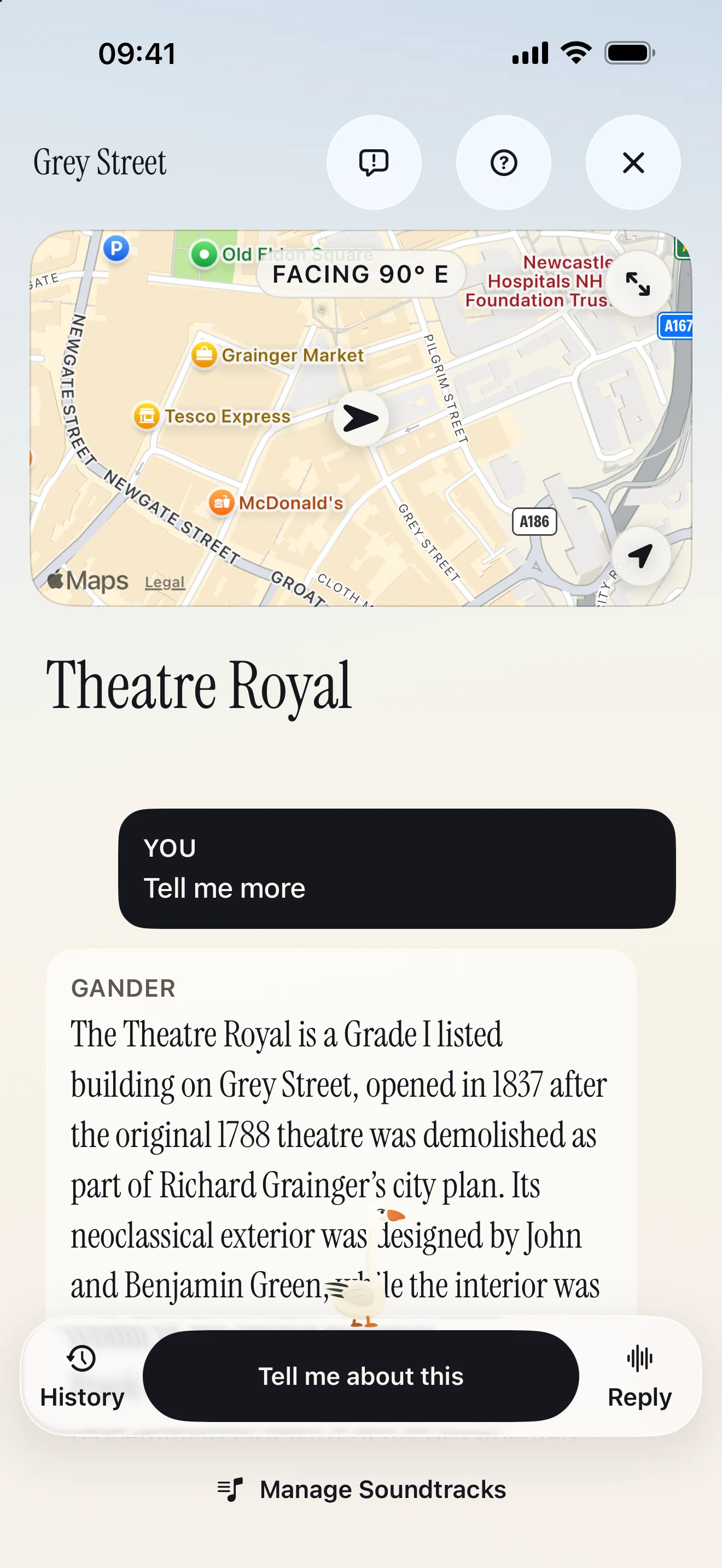
“Tell me
more.”
Want to know more? Ask a follow-up out loud, or type your question. You can do this on a Guided Walk or a Free Walk.
 Gander
Download app
Gander
Download app
Find a guided walk, or wander wherever you fancy.
Hear the stories around you, ask questions as you go, and let Gander
help you find your way.

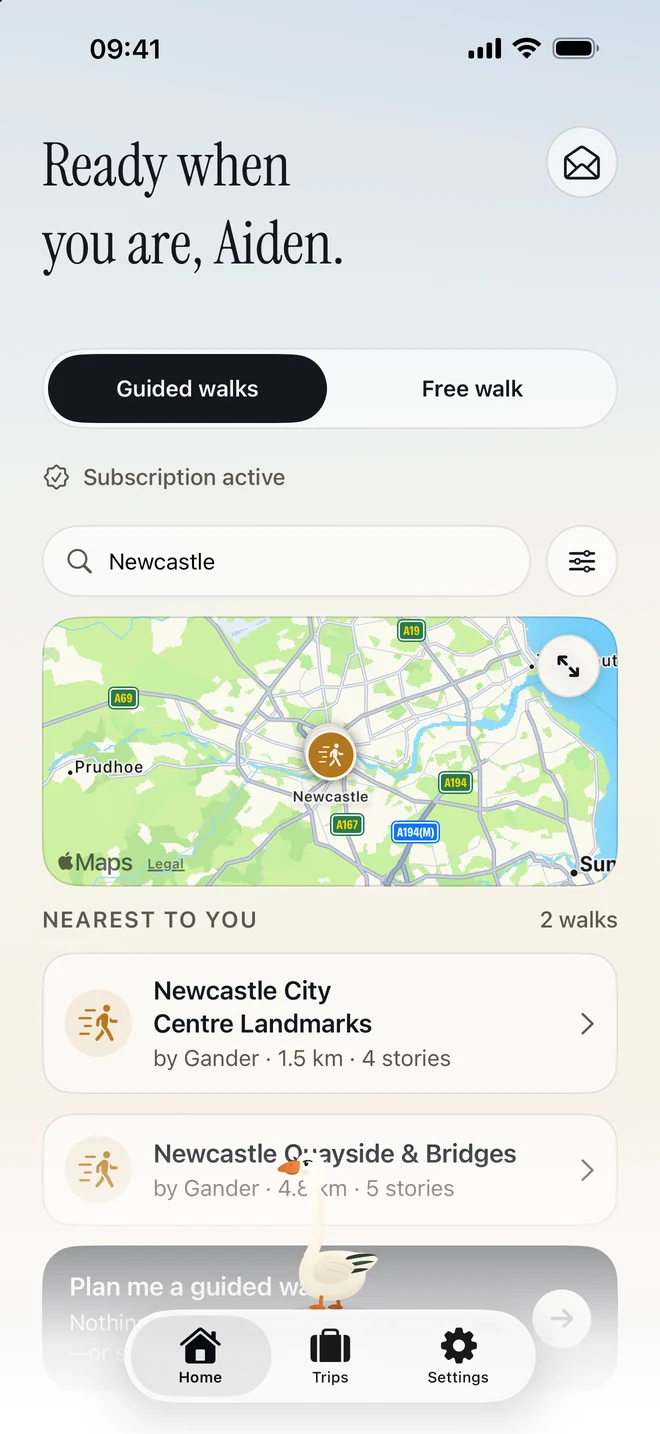
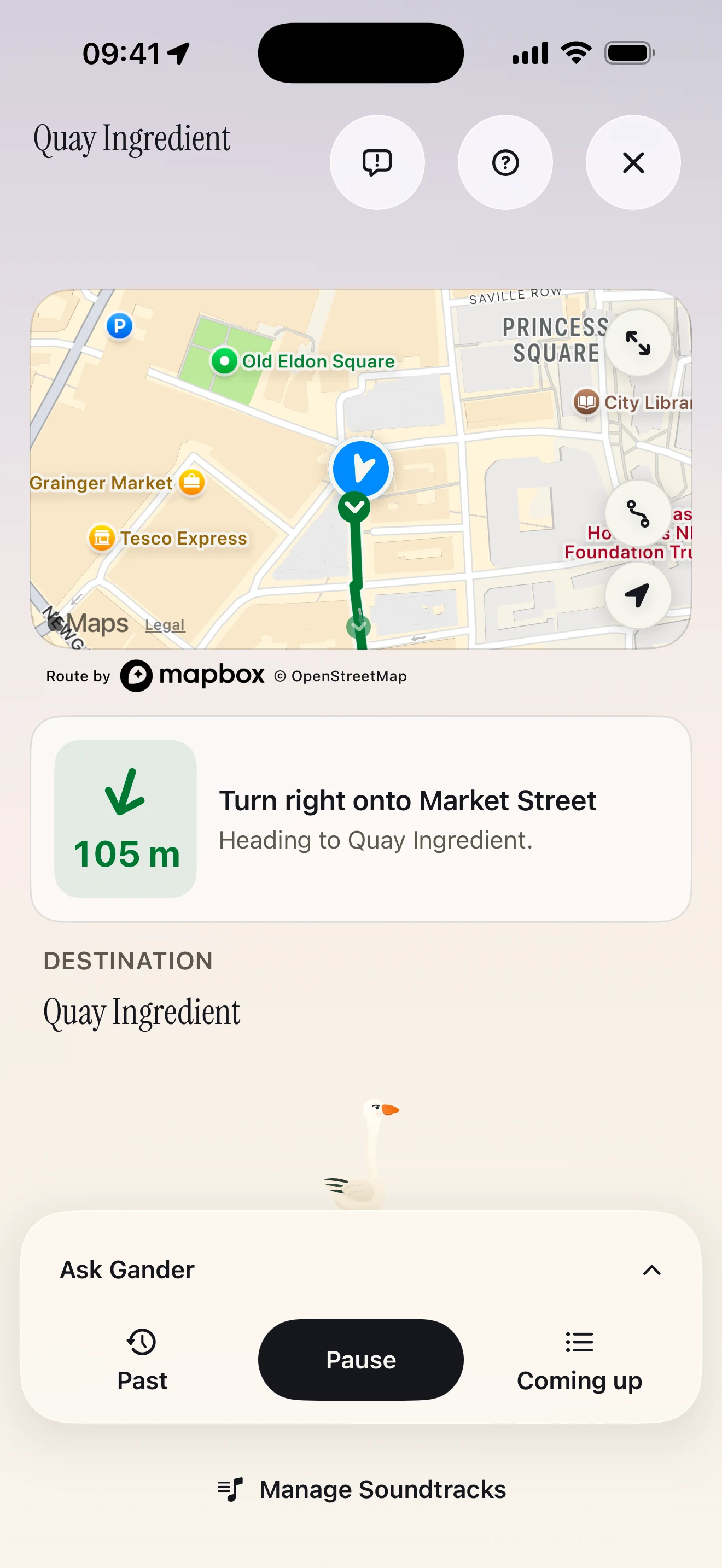
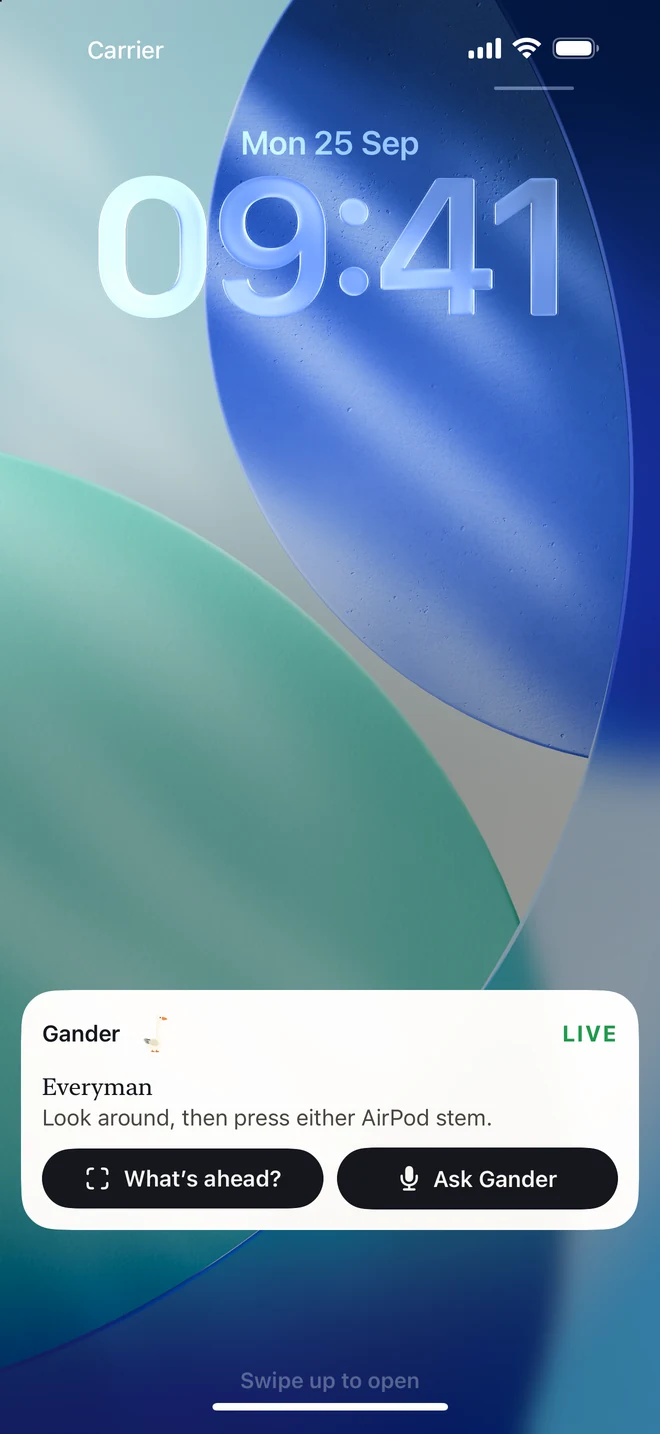
Maps: © OpenStreetMap contributors. Simplified for illustration.
Choose a shared Guided Walk with stories and directions.
On a Free Walk, go where you like and ask about what you see.
Browse public walks nearby, or request a private walk for a place you have in mind. Requests are best effort.
Download a walk before you go. Gander leads you between stops with stories, walking directions and room for a break or a question.
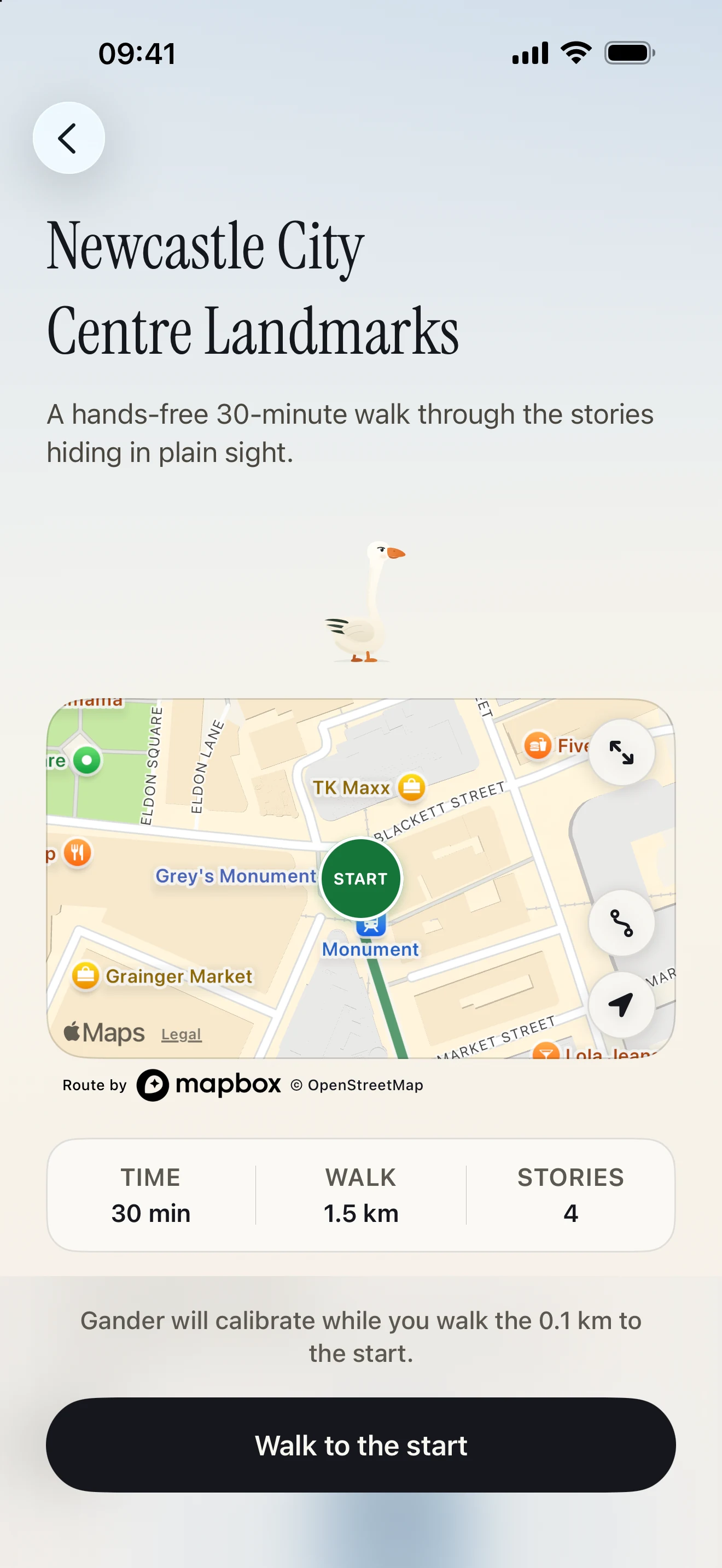
See the route and stories before you start.
There’s no route to follow. Walk wherever you like and ask Gander about the places around you.
See a place you’re curious about? Look towards it with compatible AirPods, or point your phone and tap to hear its story.
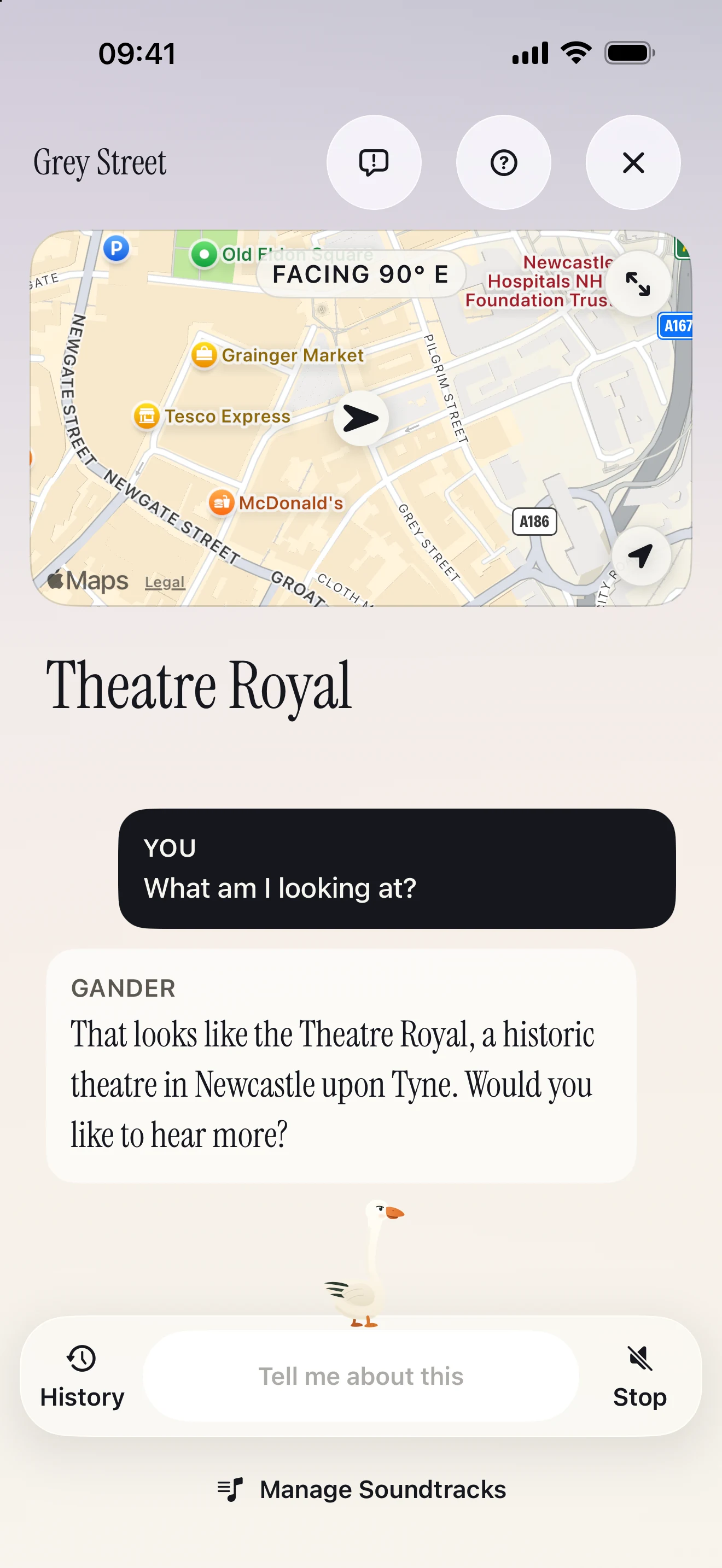
Ask about the places you find along the way.
More regions coming soon. Gander checks coverage before you start a walk or request a guide.
You’re here to see a new place, not spend the walk looking at your phone. Gander tells you about what’s around you, so you can look up, listen and enjoy being there.
Want to know more? Ask a follow-up out loud, or type your question. You can do this on a Guided Walk or a Free Walk.
With compatible AirPods, look at a place and press the stem to hear about it. With other headphones, point your iPhone at the place and tap to ask.
Make room for the trip, and for the music between stories.
Save where you’re going, check the forecast and find public guided walks near your destination. If there isn’t one, you can ask Gander to try making a private walk for your trip.
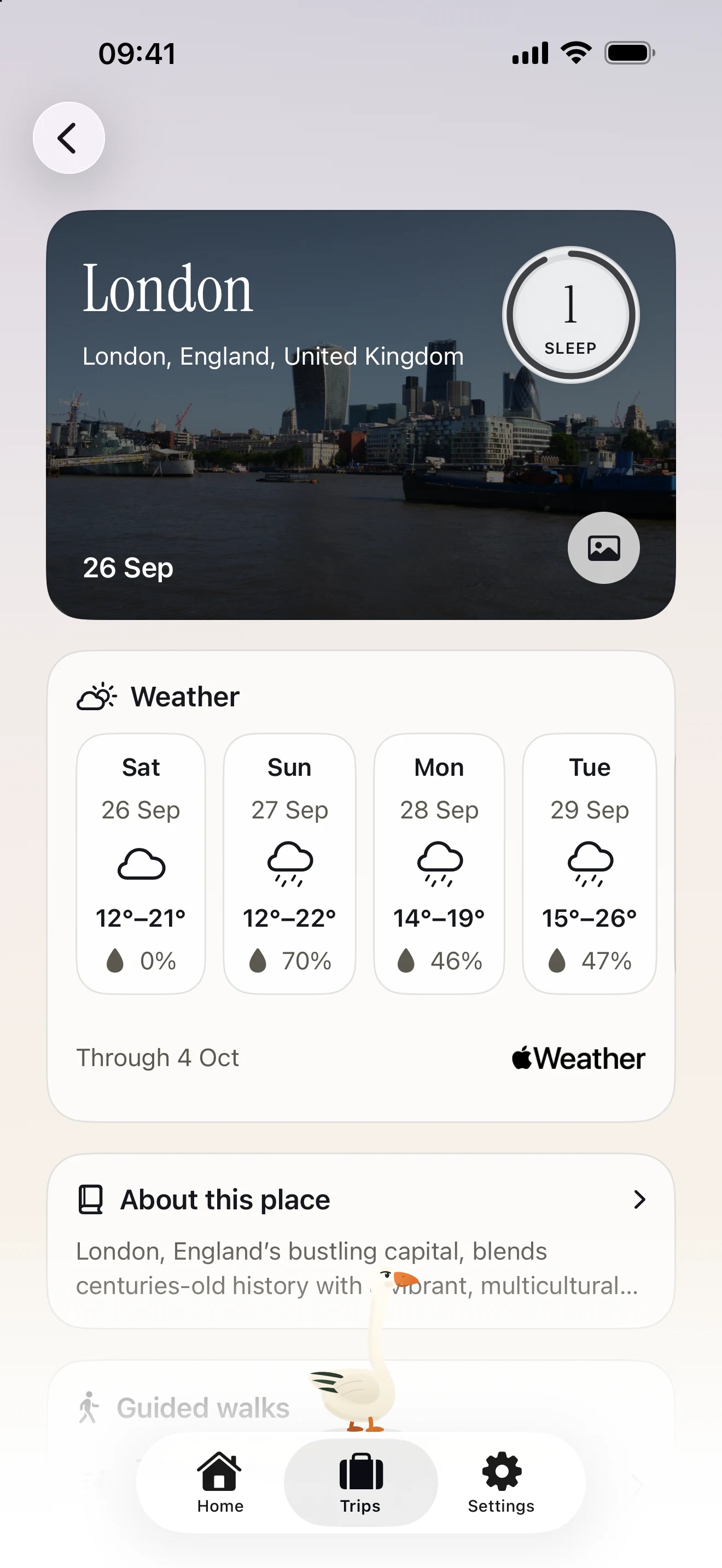
Download a playlist for your walk. Music plays between stories and pauses while Gander speaks or listens.
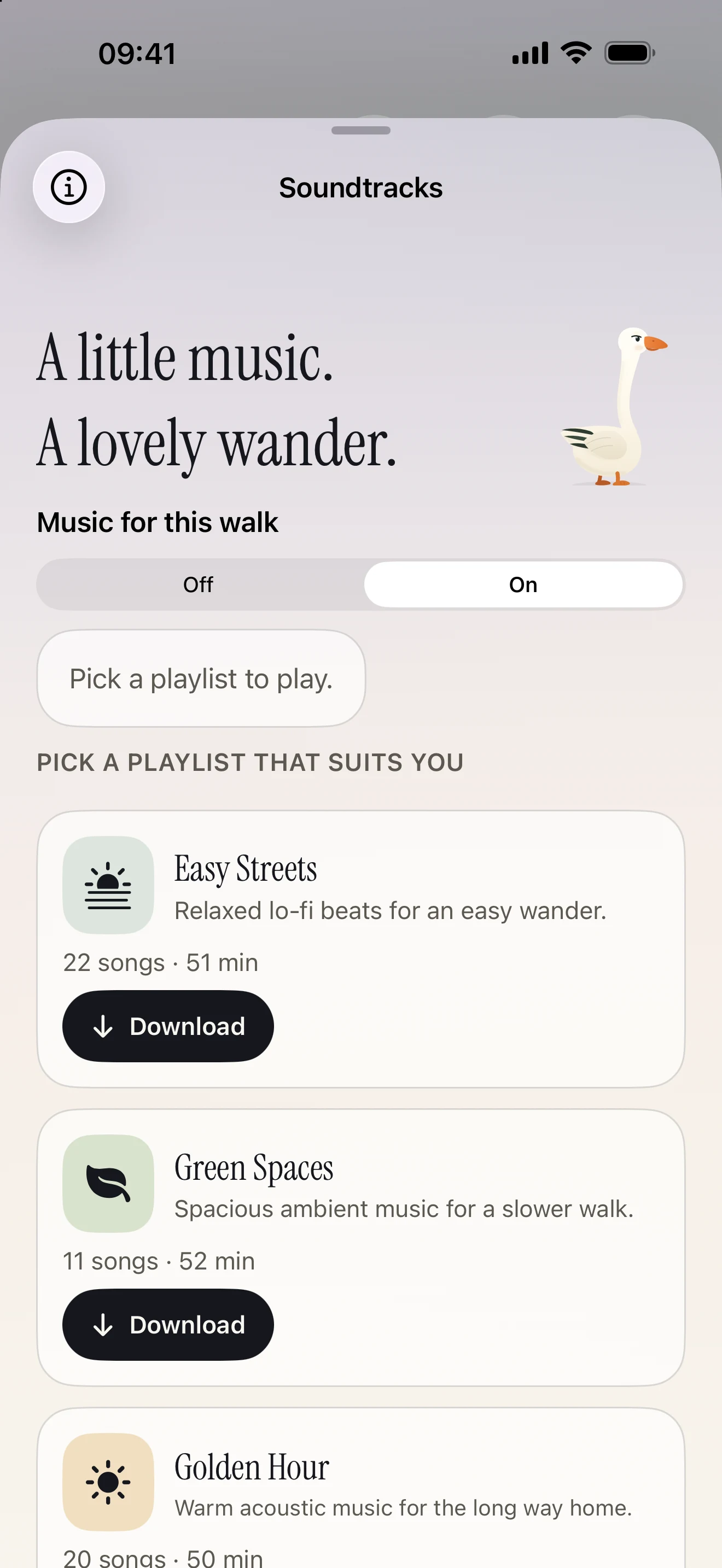
Add a trip, check the forecast and find public walks nearby.
Coverage varies by location.
Globe markers are illustrative.
Anything else on your mind?
Drop us a line
No. You can point the top of your iPhone towards a place and tap to ask about it. Compatible AirPods add head direction and stem controls, so your phone can stay in your pocket.
A Guided Walk gives you a route with stories along the way. Free Walk lets you go where you like and ask about the places you come across. You can ask follow-up questions in either.
Download a guided walk before setting off and its route and recorded stories are available offline. New questions and Free Walk stories need a connection.
Gander uses your location, the direction you’re facing or pointing, and a map of nearby places. It doesn’t use your camera. If a few places line up, tell it which one you mean.
Gander uses AI to turn place information into stories and answers. It can mix up places or get details wrong. Ask a follow-up if something sounds off, and check facts that matter to you.
Questions about a walk, feedback or a place you’d like us to look at? Send us a message, or email hello@gander.fyi.
A question about the app, a story to share, or a place we should know about? We’d love to hear from you.
hello@gander.fyi Download Gander